> ## Documentation Index
> Fetch the complete documentation index at: https://docs.same.new/llms.txt
> Use this file to discover all available pages before exploring further.
# GitHub for version control
> Connect your GitHub repo to Same.new to sync code, track changes, and streamline full-stack app development with prompt-powered workflows.
## What is GitHub?
[GitHub](https://github.com/) is a **code hosting platform** for **version control** and **collaboration**. It allows you to store your code, track changes, and work with others on projects.
When you connect Same with GitHub, you can use natural language to:
* Create and manage repositories for your projects
* Push your project code to GitHub automatically
* Track changes and maintain version history
## Get started with GitHub
We recommend connecting to GitHub through MCP
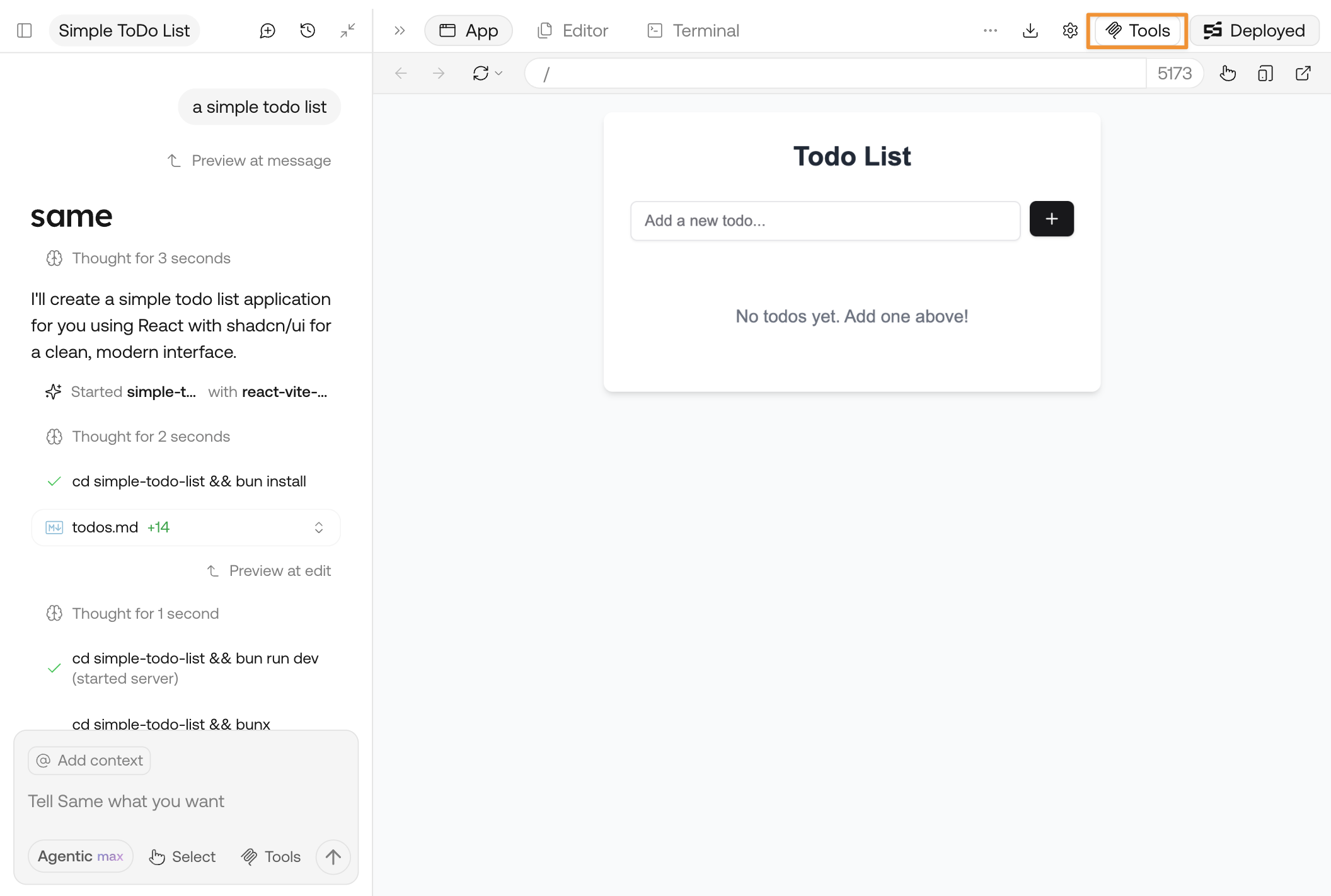
Click **Tools** and open the panel
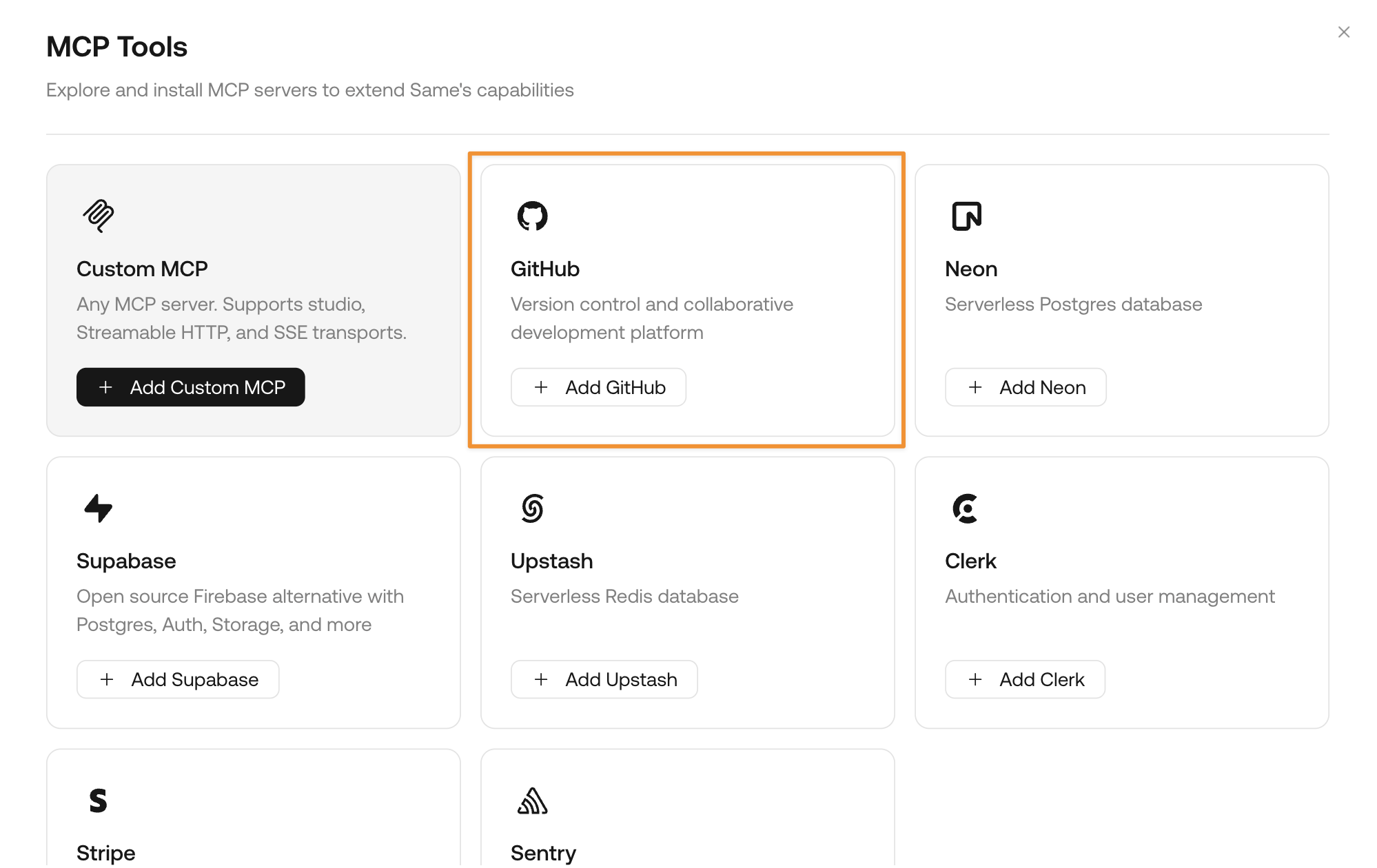
 Find the card for GitHub and click **Add GitHub**
 Follow the page instructions to approve the connection. You may need to sign up for an account if you don't have one yet.
GitHub is free for personal users.
Once the connection is successful, directly ask Same to:
```md theme={null}
Create a GitHub repository for my project and push my code
```
Same will automatically create a repository and push your project code to GitHub.
## Sample prompts with GitHub
Here are some sample prompts you can try with GitHub:
```md theme={null}
Create a GitHub repository for my project and push my code
```
```md theme={null}
Push my latest changes to GitHub
```
```md theme={null}
Create a new branch for feature development
```
Follow the page instructions to approve the connection. You may need to sign up for an account if you don't have one yet.
GitHub is free for personal users.
Once the connection is successful, directly ask Same to:
```md theme={null}
Create a GitHub repository for my project and push my code
```
Same will automatically create a repository and push your project code to GitHub.
## Sample prompts with GitHub
Here are some sample prompts you can try with GitHub:
```md theme={null}
Create a GitHub repository for my project and push my code
```
```md theme={null}
Push my latest changes to GitHub
```
```md theme={null}
Create a new branch for feature development
```