

Overview
You may occasionally run into one of the issues below. Here’s how to resolve each one.Errors in chat
Please try again: prompt is too long
An error that looks like this:Please try again prompt is too long: 207371 tokens > 200000 maximum
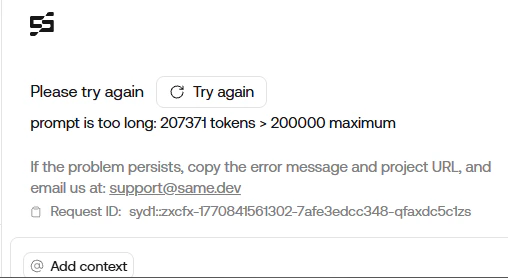
claude-4.5-sonnet or claude-4.5-opus.
To resolve: Create a new chat.
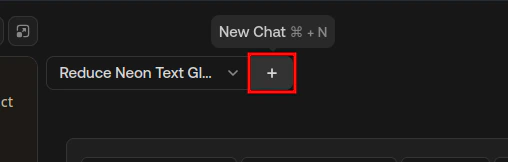
Use the '+' button (New Chat ⌘N) in the top-left of the chat panel to start a new conversation.
Endless generation
Sometimes Same may keep generating without finishing (the response never settles). To resolve:- Start a new chat using the “New Chat” button ( icon, top-left in the chat panel).
- Before you send your message, remove attachments you do not need. You can keep the chat reference attachment so Same still has context from the earlier conversation.
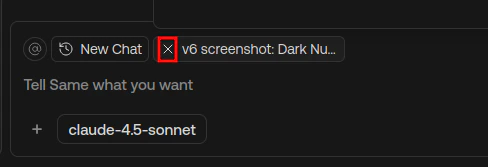
Remove attachments from the message composer before sending.
- If endless generation continues, remove every attachment (including the chat reference) and try again.
For troubleshooting prompts and debugging issues with your website, see Troubleshooting.